WinISM is the Windows-based setup and monitoring application for Pantron's ISM-series multiplexed infrared amplifiers. Connected via RS232, it provides full access to every parameter available through the front display, plus a live channel overview and gain diagnostics not easily visible from the unit itself. WinISM is free to download and supports both single-unit setup and multi-channel diagnostic sessions.
A CAB-COM-2 communication cable (sold separately, catalog page 84) is required to connect the amplifier's front COM port to the PC. Standard DB9 RS232 or a USB-to-serial adapter is used on the PC side.
| WinISM v1.3 (Current) | |
|---|---|
| Installer | WinISM_1_3_6.exe |
| Build | 1.3.6 |
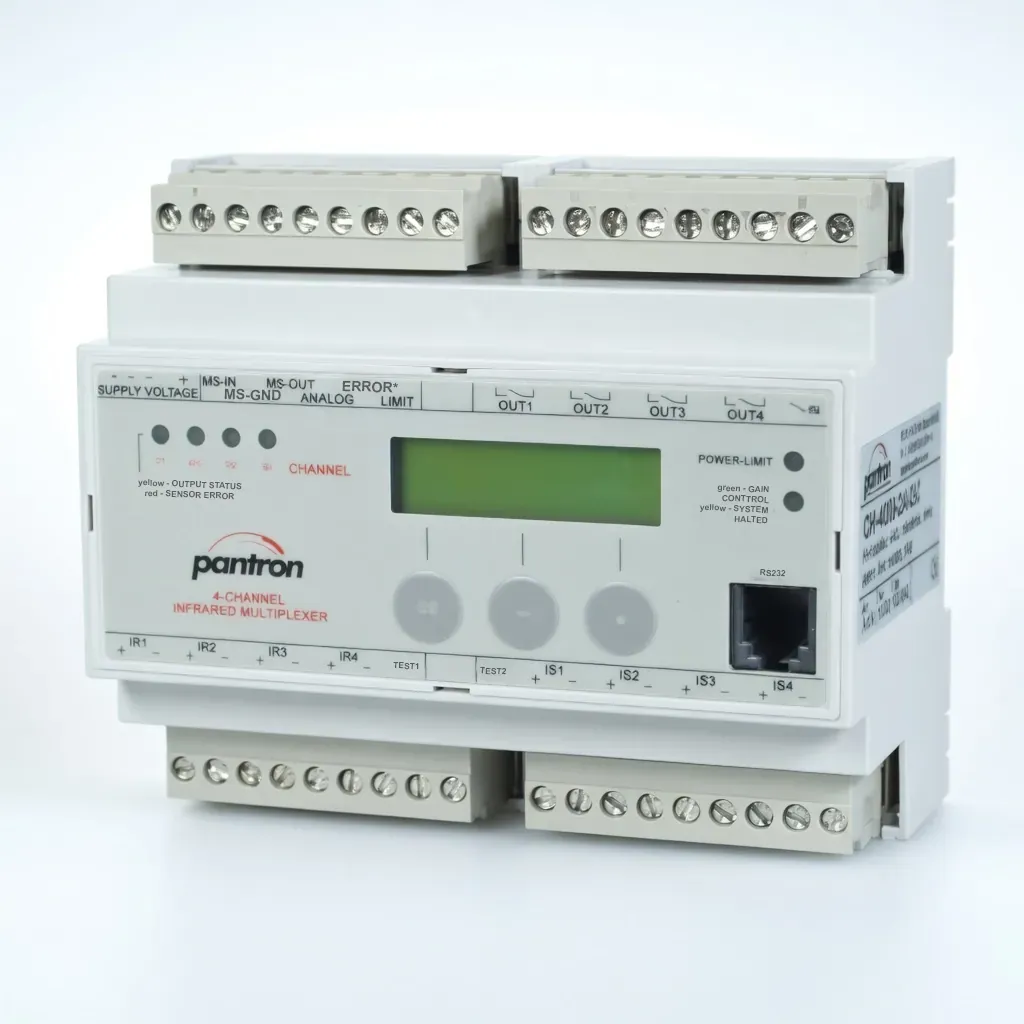
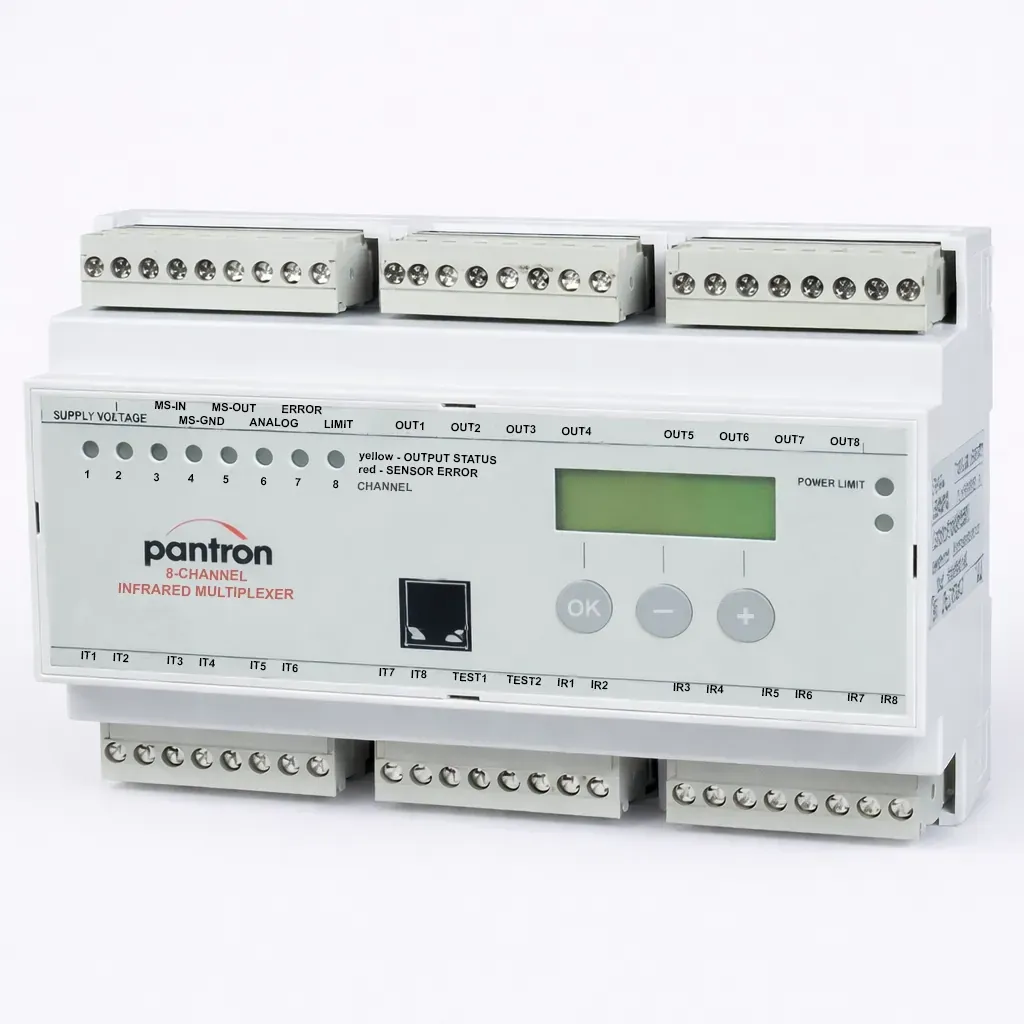
| Compatible amplifiers | ISM-4000, ISM-4800, ISM-8000, ISM-8800 |
| Download | WinISM_1_3_6.exe |
| WinISM v1.2 (Legacy) | |
|---|---|
| Installer | WinISM_1_2_33.exe |
| Build | 1.2.33 |
| Compatible amplifiers | ISM-4000, ISM-4800 |
| Download | WinISM_1_2_33.exe |
| Requirement | Details | Notes |
|---|---|---|
| Operating system | Windows | 32-bit or 64-bit |
| Communication port | RS232 (COM port) | USB-to-serial adapter supported |
| Connection cable | CAB-COM-2 | Required, sold separately — catalog page 84 |
| Installation | Run installer .exe as Administrator | No internet connection required |
Both English and German help files (.chm) are included with each installer package. If the help file does not open, right-click the .chm file, select Properties, and click Unblock.
| File | Description |
|---|---|
| WinISM_1_3_6.exe | v1.3 installer |
| ISMHelp3_en.chm | English help file (v1.3) |
| ISMHelp3_de.chm | German help file (v1.3) |
| readme.txt | Release notes |
The v1.2 package includes WinISM_1_2_33.exe, ISMHelp_en.chm, ISMHelp_de.chm, and a readme.txt for legacy deployments.
Use v1.2 only if you are maintaining an existing deployment on an older PC environment where v1.3 is not compatible.
Share a few details below and our team will respond with recommended options, pricing, and lead time.