WinConnect is Pantron's Windows-based configuration and monitoring tool for FSI and FSR fork sensor families. Connected via the Pantron IFB-1 USB interface, it provides full access to user settings, live device state monitoring, and diagnostic tests. WinConnect is portable — no setup program required — and is free to use for all owners of compatible Pantron FSI and FSR sensors.
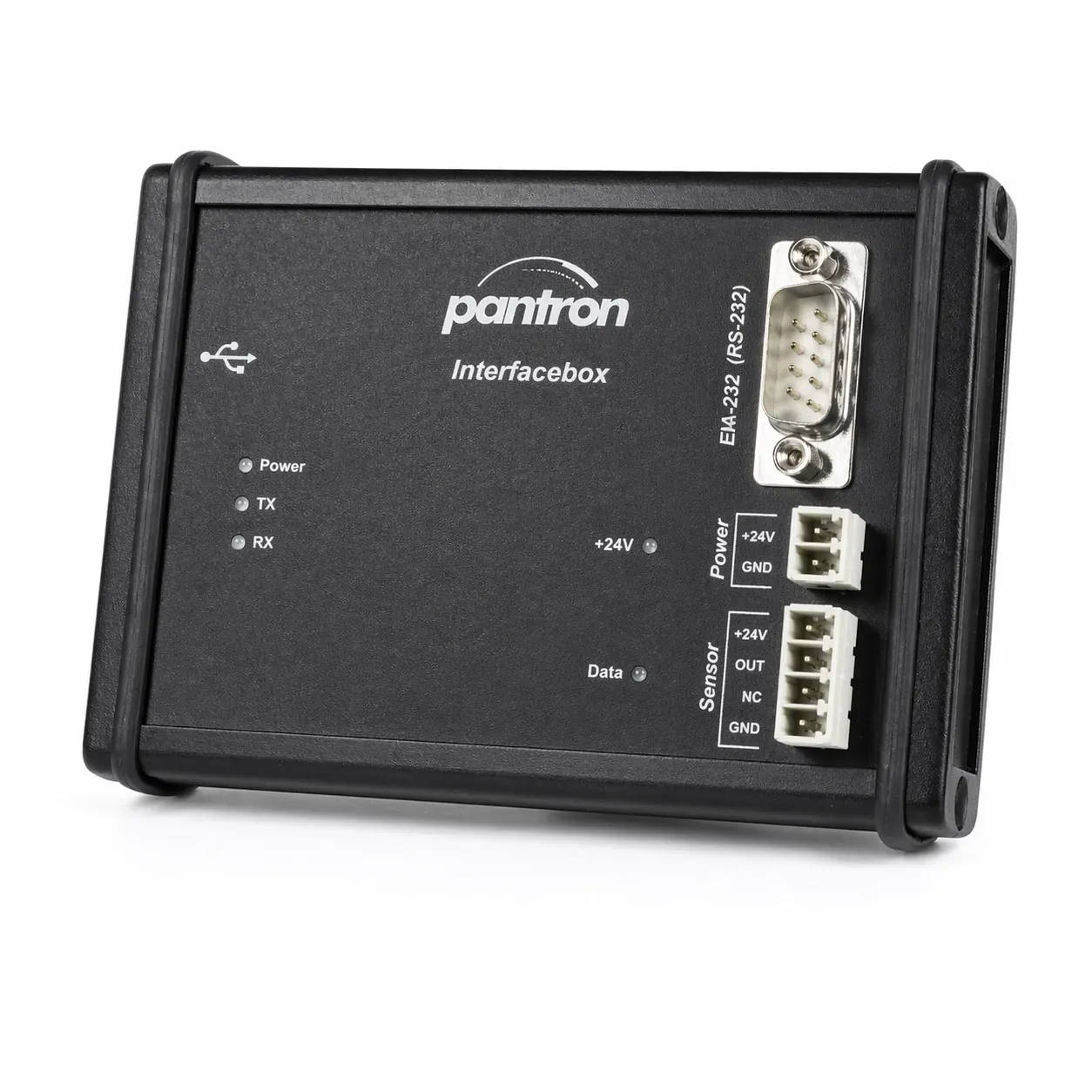
WinConnect requires the Pantron IFB-1 interface box (galvanically isolated USB-to-RS232 adapter, isolation voltage 500 V) to connect to FSI/FSR sensors. The FTDI FT232R VCP driver, included in the download package, must be installed before first use.
| WinConnect v1.11 (Current) | |
|---|---|
| File | WinConnect1_11.exe |
| Build | 1.1.11 |
| Sensor firmware | V1.04 and V1.11 |
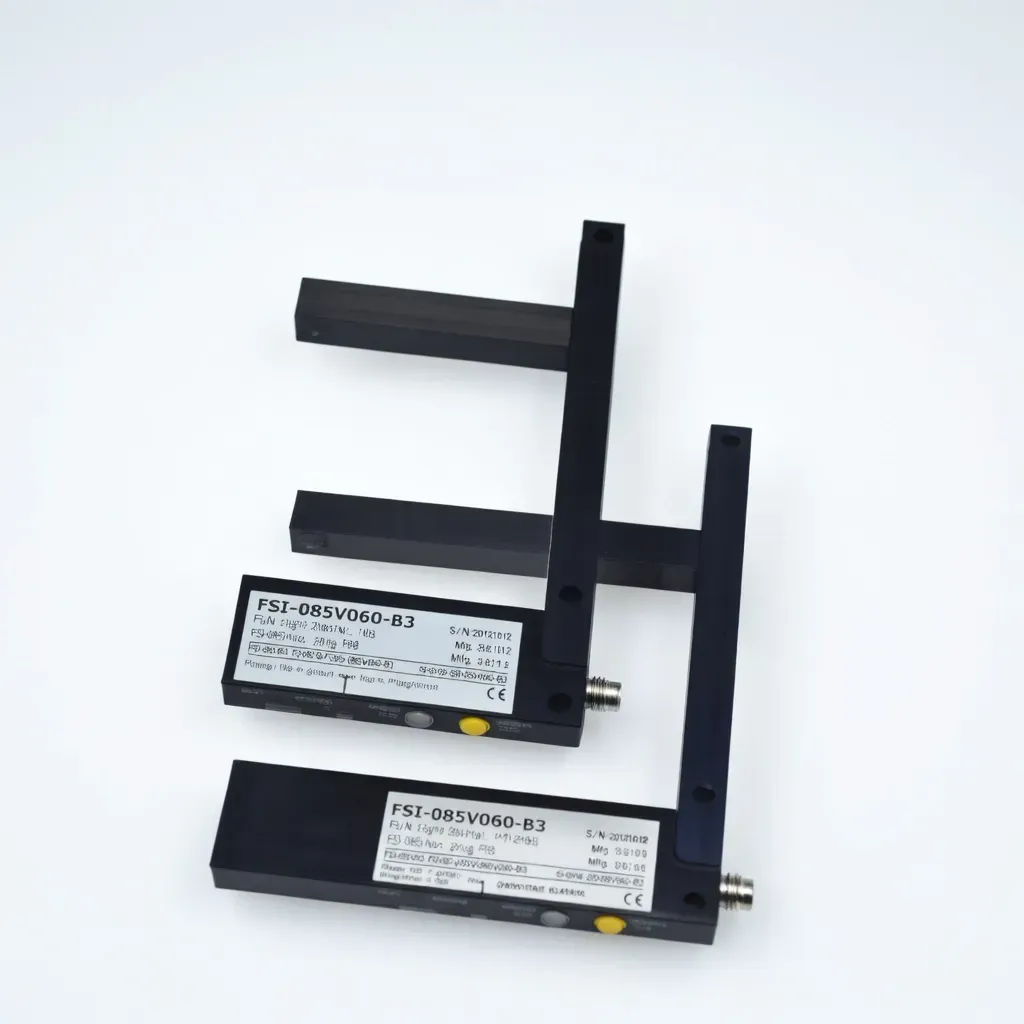
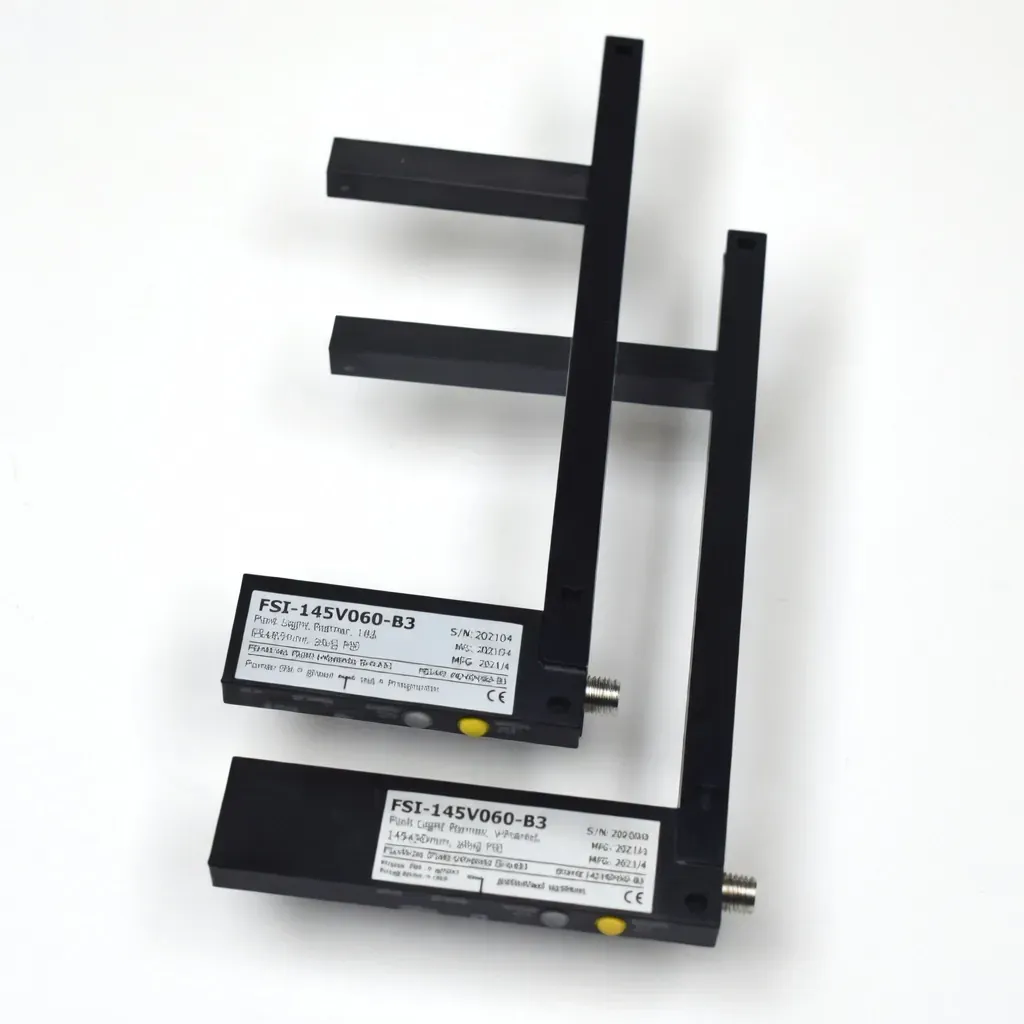
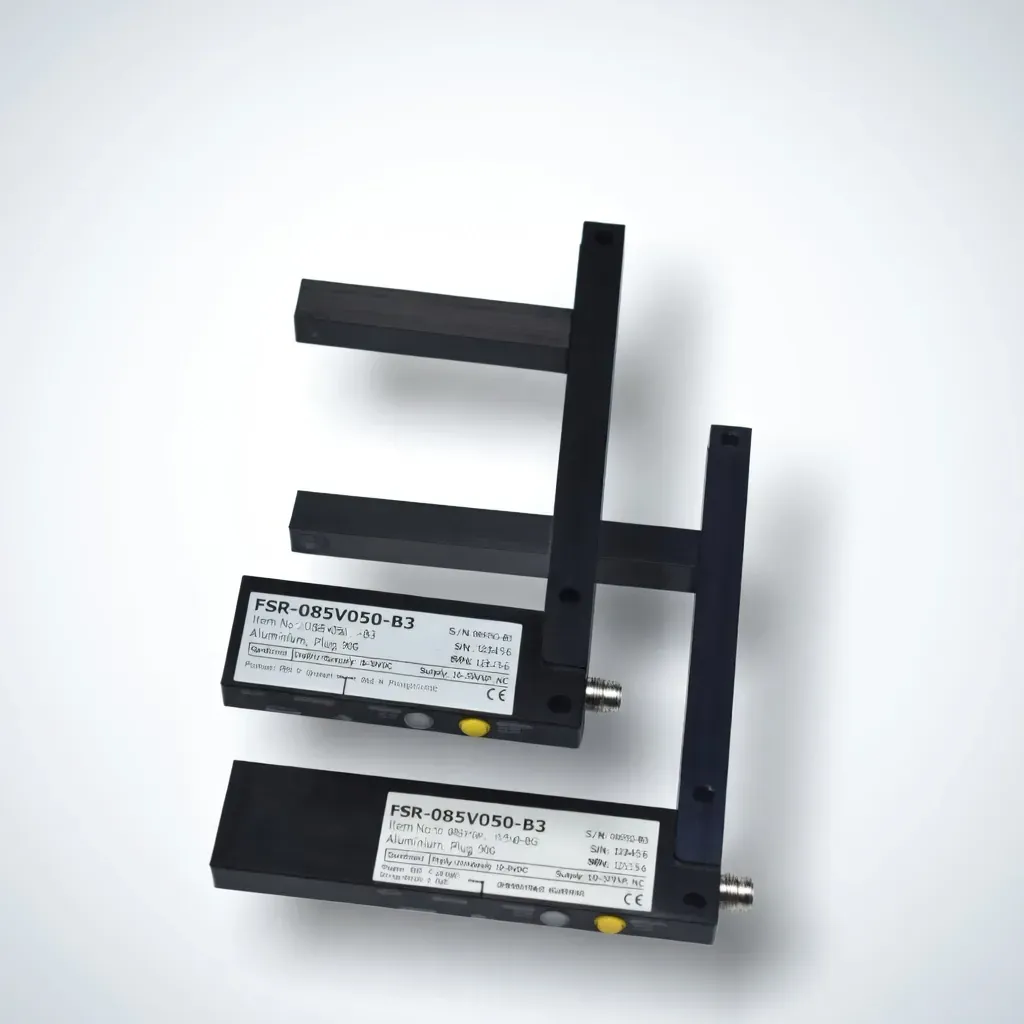
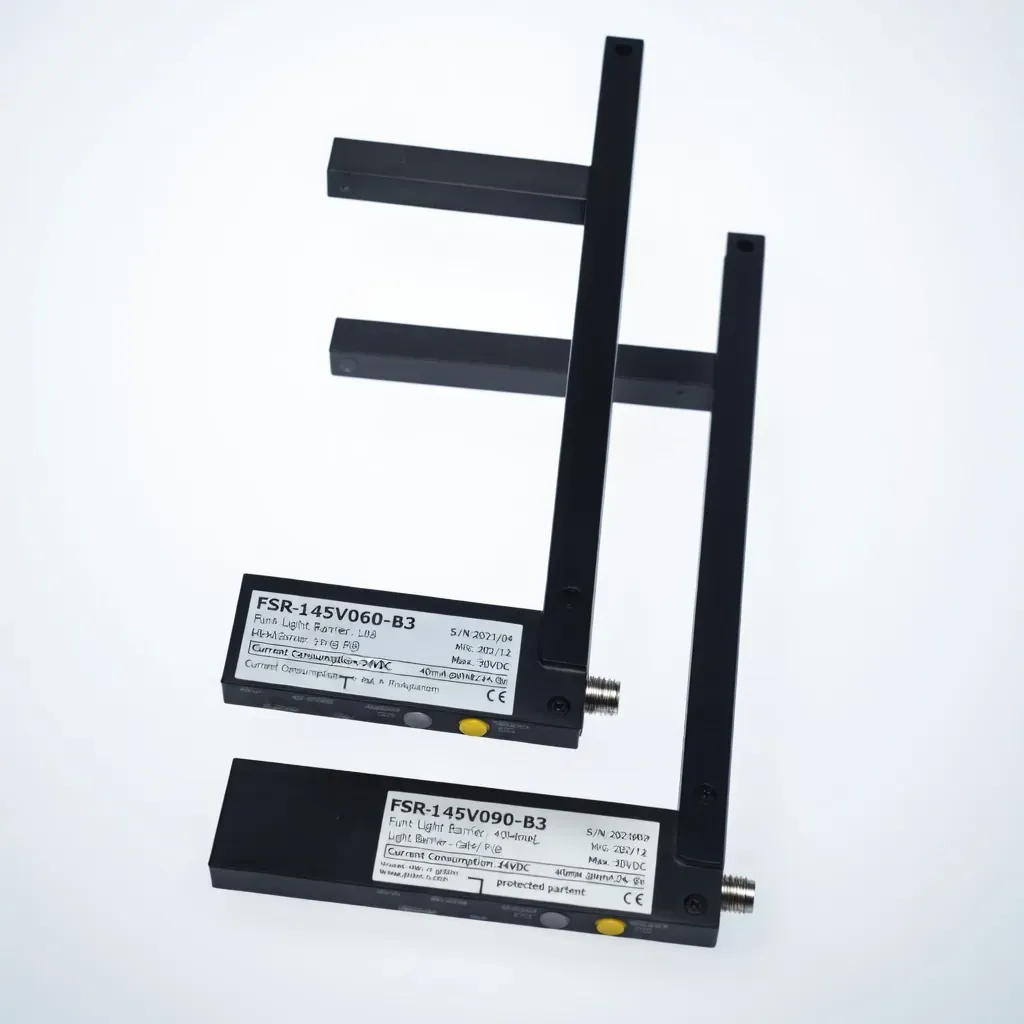
| Compatible devices | FSI-085V, FSI-145V, FSR-085V, FSR-145V |
| Download | WinConnect1_11.exe |
| Included Files | |
|---|---|
| WinConnect1_11.exe | Main application (portable) |
| CDM20802_Setup.exe | FTDI VCP USB driver installer |
| WinConnect1_1_de.chm | German help file |
| readme.txt | Release notes and usage guidance |
WinConnect is a portable application. Extract the contents to a folder of your choice (e.g. C:\WinConnect or any folder outside of Program Files). Install the FTDI USB driver before connecting the IFB-1 interface box for the first time. A .ini settings file is created automatically on first launch.
| Requirement | Details | Notes |
|---|---|---|
| Operating system | Windows NT or newer | 32-bit or 64-bit |
| Communication | USB port + Pantron IFB-1 interface box | IFB-1 required — not included with software |
| USB driver | CDM20802_Setup.exe (included) | FTDI FT232R VCP — install before first connection |
| Installation | Extract files — no setup program | No internet connection, registry entries, or runtime libraries required |
| Uninstall | Delete extracted files and WinConnect.ini | Device settings files (*.set) can also be removed |
For driver updates, alternate operating systems, or uninstall instructions visit ftdichip.com/Drivers/VCP.htm. If an existing VCP driver is already installed, no reinstallation is necessary.
Please follow the FSI / FSR operating instructions included with your device for all installation and configuration guidance.
Share a few details below and our team will respond with recommended options, pricing, and lead time.