Extreme Sensors for the Most Challenging Environments.     Check out our full line of accessories to complement your photoelectric systems.     Let us help you source those hard-to-find replacement parts from Europe — we will save you time and money.     Pantron Automation is proud to be the North American distributor for Fuchs Umwelttechnik, GmbH, manufacturer of high-quality fume and particulate extraction equipment.     If you have an application that’s causing problems, let us help you solve it with high-quality industrial sensors and controls that are designed to endure the worst conditions on the planet.     Are you interested in being a distributor for Pantron? Contact our Belmont office for details.     Need proximity sensors for extremely hot or cold environments? Check out the products offered by the German manufacturer, EGE Elektronik.    
Car wash automation Sawmill automation Machine automation Fume extraction Climate and environmental monitoring Sensors for robotics Sensors for food processing Welding sensors Sensors for pharmaceutical applications Sensors for doors and gates Sensors for wastewater applications Paper and pulp sensors
WinICL PC configuration software
PANTRONPC SoftwareFree Download

WinICL

WinICL is Pantron's Windows-based configuration and monitoring tool for ICL-series high-power infrared opto sensor systems. Connected via RS232, it gives full access to user settings, live device state monitoring, and built-in diagnostic tests. WinICL is portable — no setup program required — and is free to use for all owners of Pantron ICL-series devices.

WindowsRS232ICL-2xxx / 6xxx / 8xxx

Key Features

  • Read and modify all ICL user settings from a Windows PC.
  • Live device-state display for real-time channel monitoring.
  • Built-in diagnostic test functions to verify sensor performance.
  • Portable application — no installer, no Windows registry entries required.
  • No internet access, Java, DirectX, .NET Framework, or VB Runtime needed.
  • RS232 connection via standard COM port (COM1–COM9) or USB-to-serial adapter.
  • Stores program settings in a local .ini file created on first launch.

Compatible ICL Devices

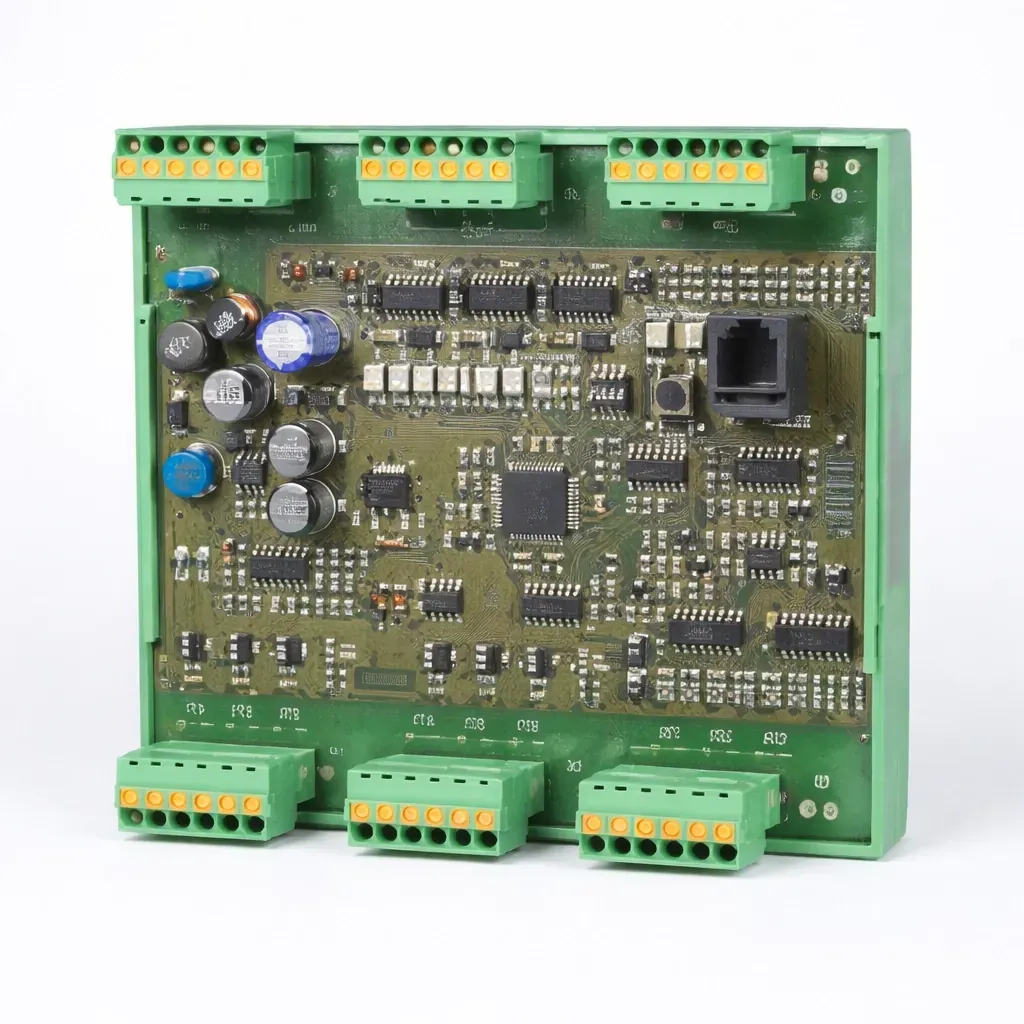
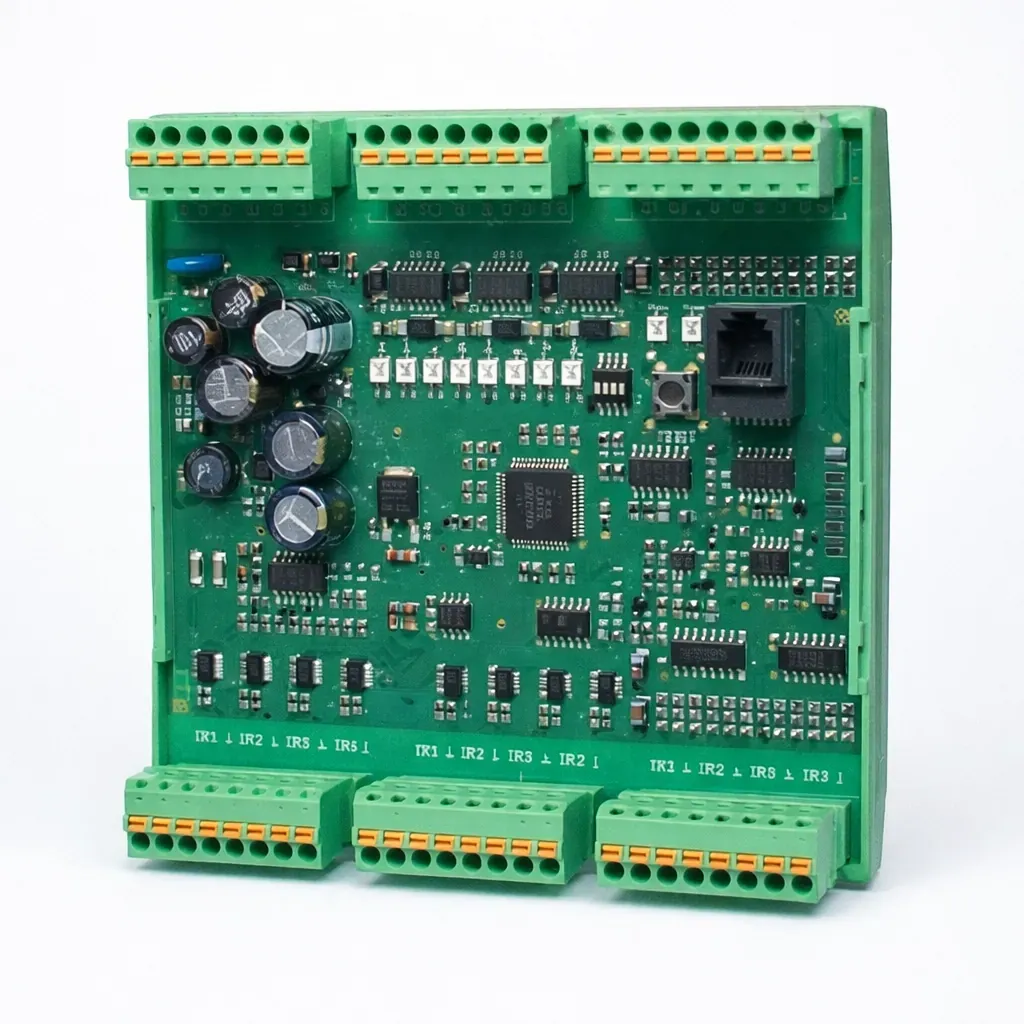
  • ICL-2000 — 2-channel opto sensor for car wash and heavy-duty applications.
  • ICL-2100 — 2-channel opto sensor with extended feature set.
  • ICL-6000 — 6-channel opto sensor for multi-beam sensing arrays.
  • ICL-6100 — 6-channel opto sensor with extended capabilities.
  • ICL-8000 — 8-channel opto sensor for high-density installations.
  • ICL-8100 — 8-channel opto sensor with extended capabilities.

WinICL supports ICL-2xxx, ICL-3xxx, ICL-4xxx, ICL-6xxx, and ICL-8xxx series devices. A Pantron IFB-1 USB interface or a USB-to-serial adapter is required for PCs without a native COM port.

Software Version

WinICL v1.3.14 (Current)
File WinICL_1_3_14_1.exe
Build 1.3.14.1
Release date January 26, 2018
Compatible devices ICL-2xxx, ICL-3xxx, ICL-4xxx, ICL-6xxx, ICL-8xxx
Download WinICL_1_3_14_1.exe
Included Files
WinICL_1_3_14_1.exe Main application (portable)
WinICL1_3_14_de.chm German help file
readme.txt Release notes and usage guidance

WinICL is a portable application. Extract the contents to a folder of your choice (e.g. C:\WinICL). No installer is needed — simply run the .exe. A .ini settings file is created automatically on first launch.

System Requirements and Installation

Requirement Details Notes
Operating system Windows NT or newer 32-bit or 64-bit
Communication port RS232 (COM1–COM9) USB-to-serial adapter supported
USB interface option Pantron IFB-1 Galvanically isolated USB-to-serial adapter
Installation Extract files — no setup program No internet connection, registry entries, or runtime libraries required
Uninstall Delete extracted files and WinICL.ini Device settings files created in WinICL can also be removed

Terms of Use

  • WinICL may be used at no cost for owners of Pantron ICL-series photoelectric systems.
  • There is no guarantee for the correctness of device states displayed by WinICL — the displays and switching outputs of the ICL device itself are authoritative.
  • Operation of ICL-series infrared amplifiers is not authorized for applications where the safety of a person depends on the device function.

Please follow the ICL operating instructions included with your device for all installation and configuration guidance.

Important Wiring Warning

  • The minus terminal of the ICL device supply voltage is internally connected to the GND pin of the RS232 port.
  • Ensure there is no voltage difference between the 24 V DC minus supply and the PC's frame ground.
  • For laptops, use a galvanically isolated AC adapter or run on battery power.
  • If unsure, use the Pantron IFB-1 galvanically isolated USB interface adapter.

If your AC adapter has a 3-pin mains connector, verify that the protective ground terminal is not connected to the DC output before connecting to an ICL device.
Related Products

Contact Us

Share a few details below and our team will respond with recommended options, pricing, and lead time.

We typically respond within one business day.